
Every restaurant ticket carries more than the cost of ingredients, labor, and rent. When a guest pays by card, processing costs can take another bite out of the sale. And in restaurants, where guests may split checks, add tips, and pay for multiple rounds or courses, those costs can be especially frustrating to track.
The answer isn’t automatically to raise menu prices or add a fee at checkout. It’s to understand what you’re paying, compare your options, and choose a pricing approach guests can see before they order.
Why processing fees can hit restaurants hard
Restaurant credit card processing fees depend on factors such as the card used, how the payment is accepted, and the terms of your processing agreement. Your statement may include transaction-based costs, processor charges, and additional account or service fees. The exact mix varies, so there’s no single restaurant processing fees percentage that applies to every business.
Restaurants also handle payments in ways that can make costs harder to follow. A table may be split into several payments. A bar tab may stay open before checkout. A guest may add a tip after the meal amount is authorized. If you’re reviewing only the headline rate, it can be difficult to see how all those transactions and statement charges add up.
To understand how much your restaurant actually pays in card fees, review a full merchant statement, not just the advertised rate. Look for transaction charges, monthly or batch fees, and any other recurring costs. A free merchant statement analysis can help you identify what you’re paying and compare it with a different processing setup.

Four ways to handle restaurant card costs
1. Keep the standard price and absorb the cost
With traditional pricing, guests see one menu price whether they pay with cash, debit, or credit. The restaurant pays the processing costs as part of doing business.
This keeps checkout straightforward, but those costs remain in your operating expenses. You may decide to account for them when setting menu prices, alongside labor, ingredients, rent, and other costs. That means cash-paying guests see the same price as card-paying guests, even though the restaurant incurs processing costs on card transactions.
2. Raise menu prices
Increasing menu prices is simple to explain: guests see the price before ordering, and the restaurant continues to cover processing costs.
The trade-off is that every guest pays the higher price, regardless of payment method. A menu increase can also affect how your prices compare with nearby options. If you’re considering this route, weigh processing alongside all your other operating costs rather than treating it as the only factor.
3. Add a surcharge
A surcharge is an additional amount charged for paying with a credit card. It is not the same as a cash discount, and it comes with specific rules.
For example, Visa’s merchant surcharge guidance says U.S. merchants must limit surcharges to credit cards, follow applicable disclosure requirements, and keep the surcharge within the lower of the applicable merchant discount rate or 3%. It also says merchants must notify their acquirer in advance. Debit and prepaid cards cannot be surcharged, even if a guest selects “credit” at the terminal.
State and local laws may add restrictions, and network rules can change. Before adopting a surcharge, confirm the current requirements for your location and card brands with your acquirer and a qualified legal professional. A surprise charge at the end of a meal can also frustrate guests, so clear communication matters as much as compliance.
4. Use dual pricing
Dual pricing displays two prices before the guest orders: a card price and a lower cash price. The guest can see the options on the menu and choose how to pay. At checkout, the total should follow the prices already displayed, not a new, unexpected fee added at the terminal.
That distinction is important. Visa describes a discount offer as displaying the card price alone or showing card and cash prices side by side. It also says the final card total should be based on the displayed card prices, not created by adding an extra charge at checkout. Learn more about how dual pricing works and why the difference between a displayed price and a checkout fee matters.
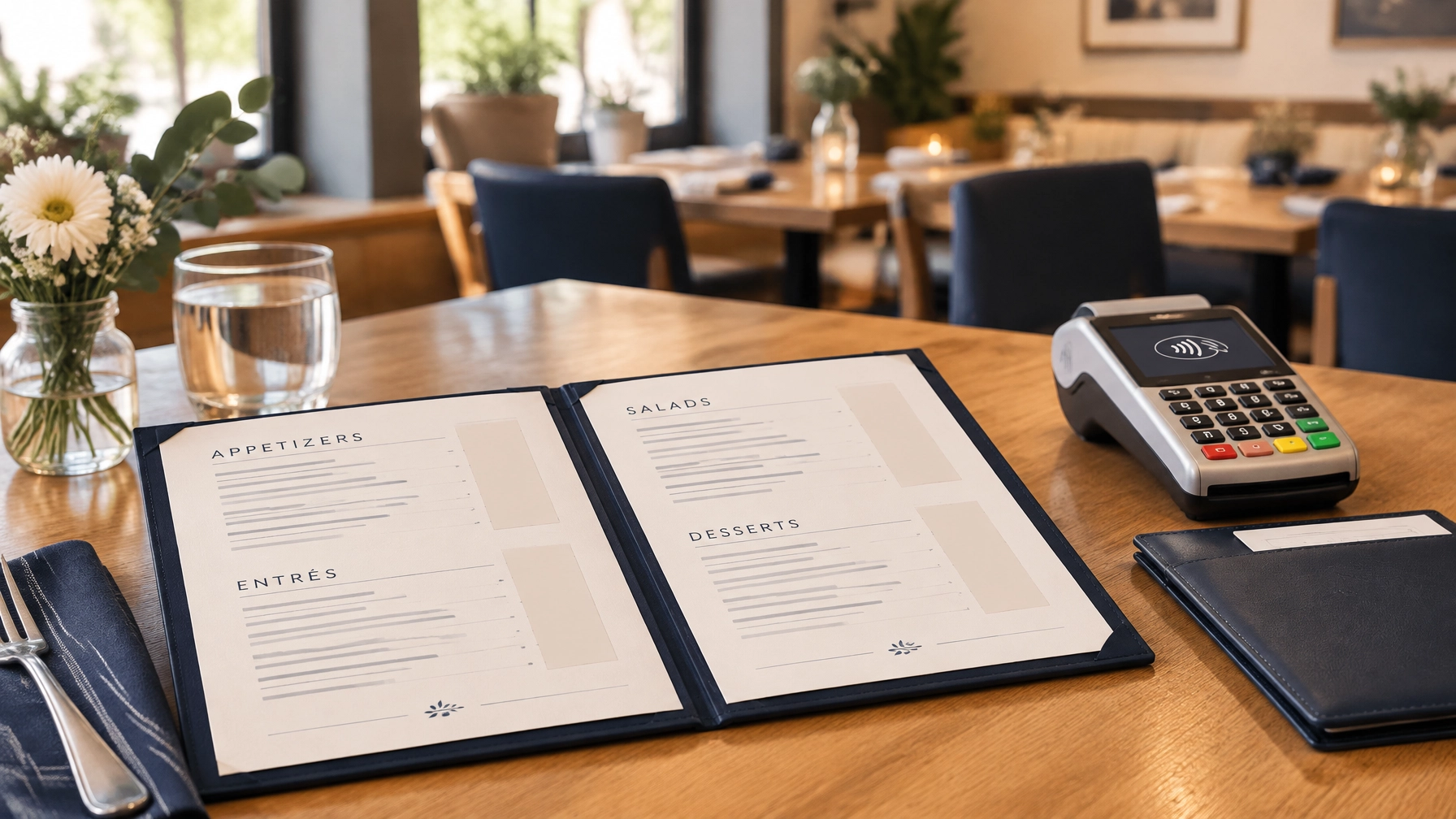
What dual pricing can look like in a restaurant
On the menu: Show the card price and cash price clearly for each item, or make the pricing method easy to understand wherever guests make their choices. The goal is for the guest to know the applicable price before ordering, not discover a difference on the final bill.
At the counter or table: Train staff to explain the options before payment. If guests order at a counter, use visible signage there. For table service, menus and a brief explanation from the server can help avoid confusion.
At the terminal: Configure the point-of-sale system to apply the correct price based on the guest’s payment choice. The amount presented for approval should match what was disclosed. A receipt should make the transaction clear, including any cash discount and the separate tip amount.
A dual pricing setup should also account for debit. A surcharge cannot be added to debit cards. With dual pricing, the displayed card price is the price for card payments, whether the guest uses a credit or debit card; the cash price is the lower option for guests who pay cash.
How tips should work
Tips are a major part of restaurant checkout, and guests should not have to guess whether their gratuity is being treated like a processing fee.
Set up the POS so the tip is shown as a separate amount and is not charged a processing fee. The guest should be able to see the meal total, the tip they choose, and the final amount before approving the payment. On the receipt, show the tip separately so both the guest and staff can tell what was paid for the meal and what was left as gratuity.
Tip workflows can differ depending on whether the guest adds a tip at the terminal or writes it after authorization. Ask your processor how your POS handles each situation, and test the full checkout flow before you launch a pricing change. Give staff a clear, accurate answer to questions about whether the tip goes to the server and whether any fee is applied to it.
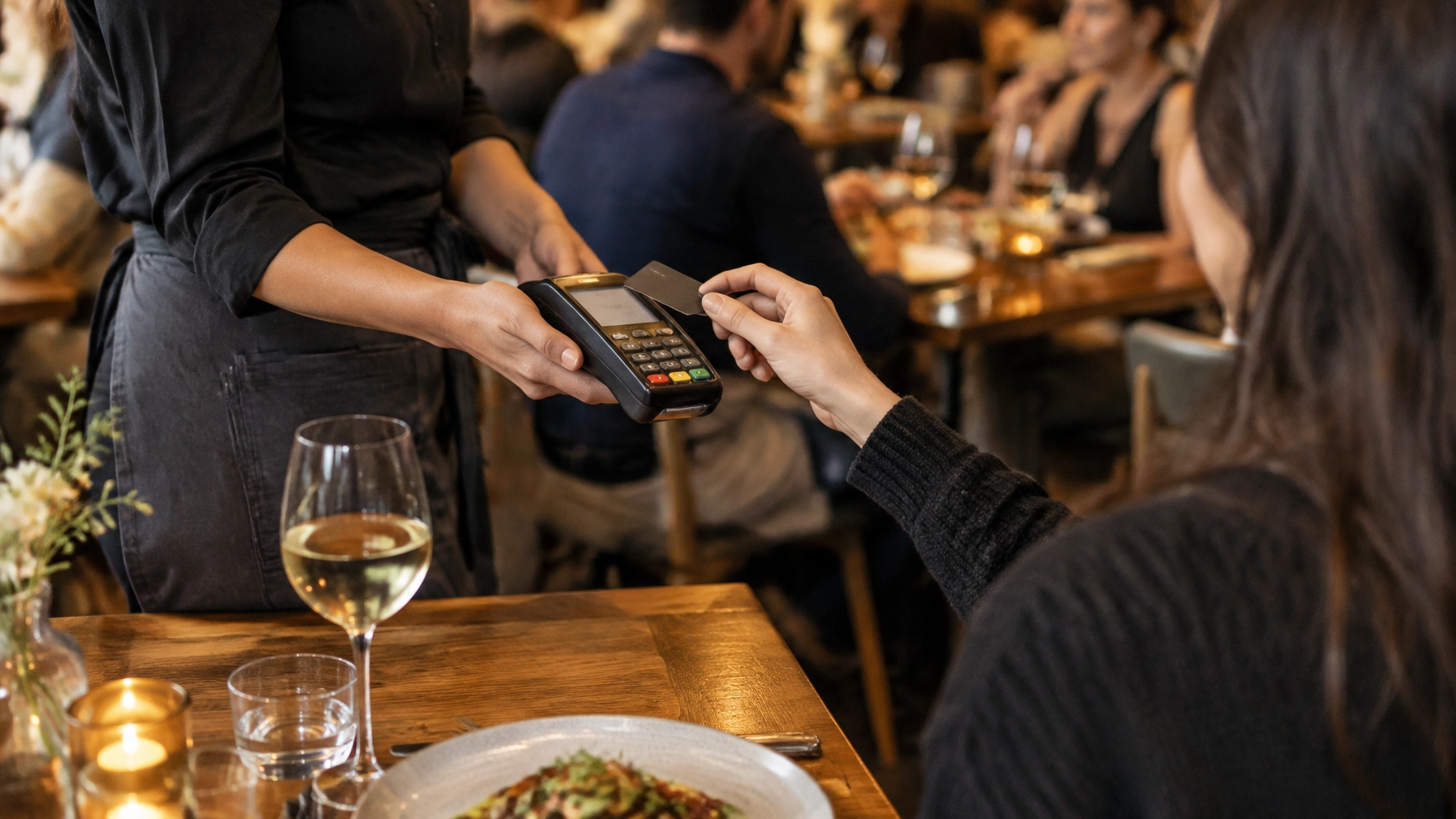
Train your team and make the pricing easy to understand
A pricing change works best when guests hear the same straightforward explanation from everyone. Train hosts, servers, bartenders, and cashiers to describe the cash and card prices calmly, without pressuring guests to choose a payment method.
For example: “Our menu shows the card price and the lower cash price. You can choose either when you pay, and your tip is shown separately.”
Use clear signage at the entrance, on menus, and near the point of payment as appropriate for your service model. Make sure pricing is visible before a guest commits to an order. Review the first receipts after launch, and ask staff what questions guests are raising.
Choosing the right restaurant merchant services
The right approach depends on your customers, your location, your menu and POS setup, and your tolerance for changing how prices are presented. Compare the full cost and terms, not just a quoted transaction rate. If you prefer to keep a single price and pay processing costs yourself, Interchange Plus Pricing is a traditional option to discuss. If you’re considering zero fee credit card processing for restaurants, ask how the card and cash prices will appear on your menus, terminal, and receipts, and how tips are handled.
Zero Fee Payment Solutions offers a Dual Pricing Program, free payment processing equipment and software, including restaurant and business management systems, and a free merchant statement review, usually delivered within 24 hours. The company says its program eliminates processing, batch, PCI, and hidden fees, with no long-term contracts. Ask for a review of your own statement and a walkthrough of the guest checkout experience before deciding.
The goal is not simply to make fees disappear from a statement. It’s to understand what you pay, choose a compliant approach, and make the price clear to guests from the start.