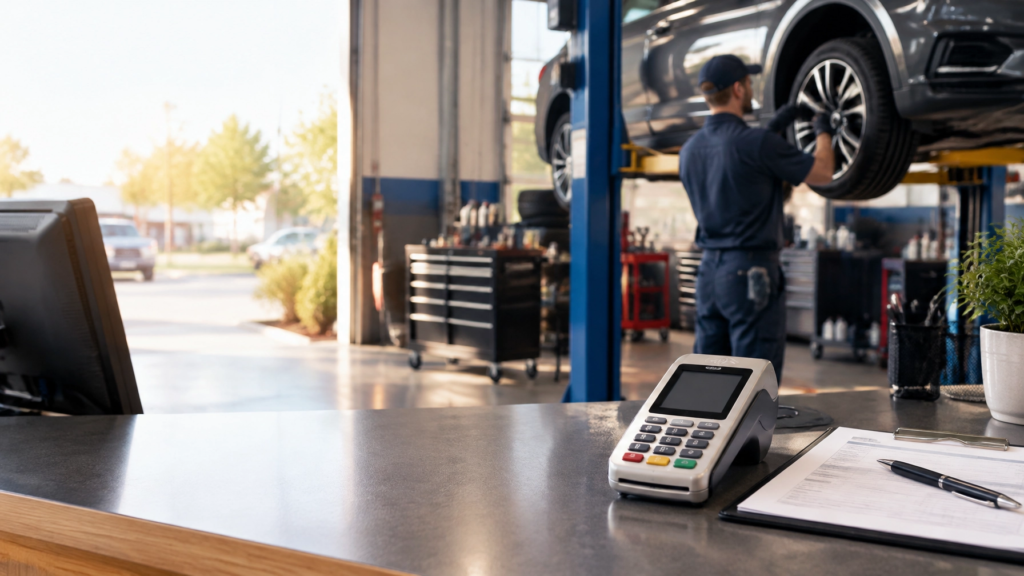
A $40 oil change and a $1,200 repair may take similar time to ring up, but they don’t have the same impact on your processing costs. When your processing price includes a percentage of each card sale, the fee rises with the ticket. That can make auto repair shop credit card processing especially costly on major repairs, parts orders and collision work.
Understanding how the fees work, and how prices are presented to customers, can help you choose a setup that fits your shop. Here’s what to consider, from estimates and deposits to dual pricing and statement reviews.
Why big repair tickets make percentage fees noticeable
Many merchant agreements charge a percentage of each card transaction, sometimes alongside per-transaction and account fees. Your actual costs depend on the agreement, card type, how the card is accepted and other factors. But the basic percentage math is straightforward.
For illustration only, at an assumed 3% processing rate:
- A $1,200 timing belt job would have a $36 processing cost.
- A $40 oil change would have a $1.20 processing cost.
That 3% is just an example, not a quoted or guaranteed rate. The point is that the same percentage takes more dollars from a larger sale. If your shop handles sizable repairs every day, those costs can add up across your monthly card volume.
The rate a salesperson mentions may not tell the whole story, either. PCI fees, batch fees and other charges can appear elsewhere on a statement or in an agreement. That’s why it’s important to compare the full cost, not just a headline rate, when evaluating credit card processing for auto repair shops.
What should the best POS for an auto repair shop do?
There isn’t one POS that’s best for every garage. The right setup should support the way your team takes payments: at the counter, in the service bay, by phone or through an invoice payment link. If you take deposits, make sure your provider can explain how those transactions work with your shop’s process.
Before choosing equipment or software, ask whether it can work alongside your estimate and invoice workflow, what fees apply to different payment types, and how your team will explain payment options to customers. The equipment should suit your operation, from a simple countertop terminal to a broader business management system.
Zero Fee Payment Solutions offers payment processing equipment and software at no cost, with options customized to a business’s needs. Ask a payment specialist which setup makes sense for your shop.
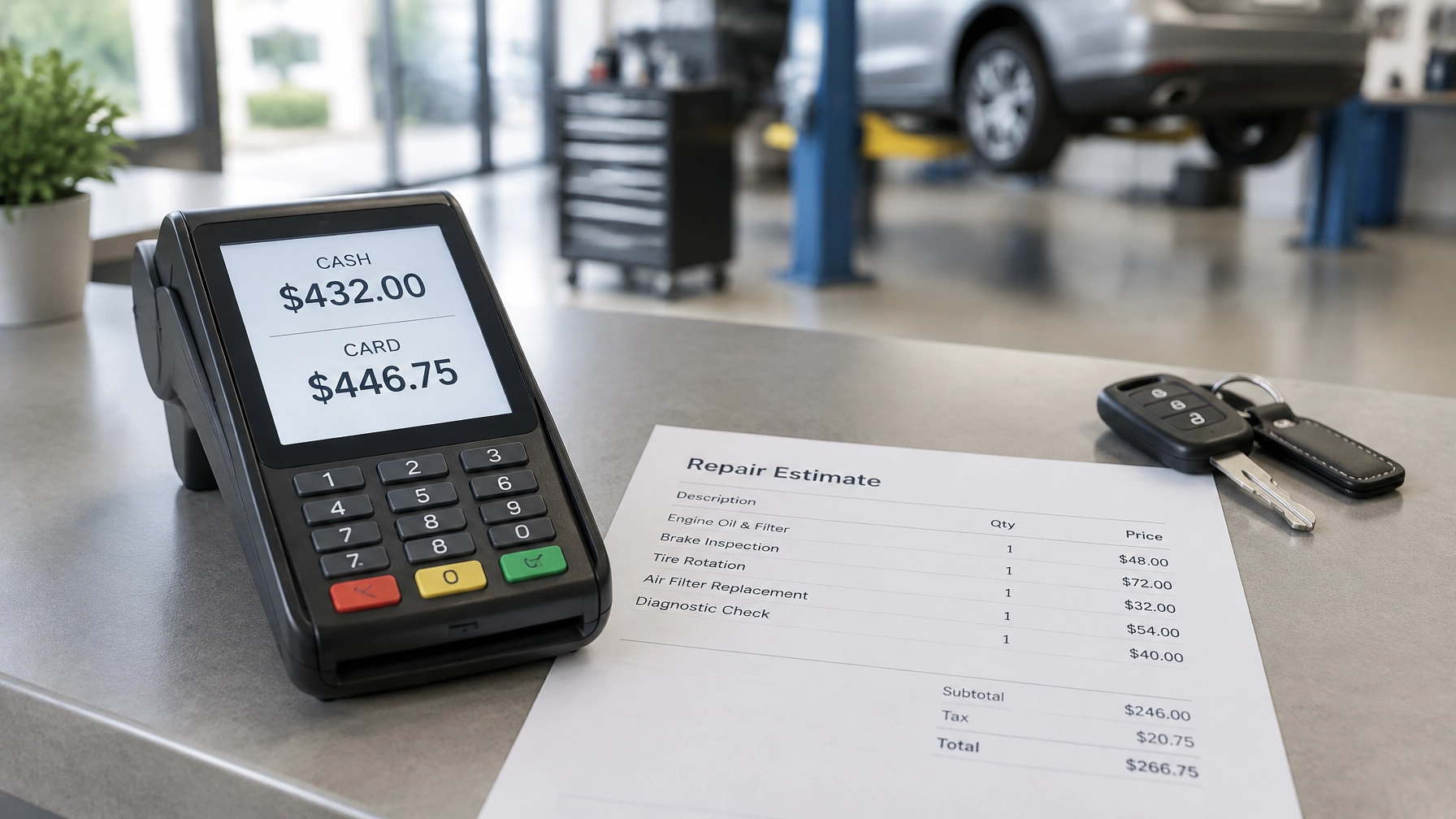
How dual pricing works at the estimate and counter
With dual pricing, the customer sees two prices: a cash price and a card price. The card price is the price for card payments, while the cash price is lower. That means the pricing should be clear before a customer approves work, not introduced as a surprise charge at checkout.
For an auto repair shop, that conversation can start when the service writer prepares the estimate. Show both totals in a clear, consistent way on the estimate, then carry the chosen payment method and applicable price through to the final invoice and payment counter. The customer should be able to understand the difference before authorizing the repair.
With dual pricing for auto repair shops, one card price applies to card payments, including debit. That differs from surcharging, which is a separate fee on credit card transactions; card-network rules prohibit surcharges on debit cards. Rules and requirements vary, so confirm that your pricing and disclosures comply with applicable laws and payment network requirements. Visa provides an overview of its rules in its U.S. Merchant Surcharge Q&A.
A cash discount is another term customers may hear. In practice, it describes a lower price for cash compared with the standard card price. Whatever model you use, make sure the advertised prices, estimate, invoice, signs and checkout process all tell the same story. For state-specific requirements, check with a qualified adviser or your payment provider. California repair businesses can also review the Bureau of Automotive Repair’s guidance on repair transaction fees.
Deposits, parts orders and the final balance
Shops may ask for a deposit before starting a larger repair or ordering special parts. If you use dual pricing, explain how each payment option applies to the deposit and remaining balance before taking payment.
For example, the estimate can show the cash and card prices for the job, then state how the deposit will be calculated and what remains due at pickup. If the customer pays the deposit by card and later pays the balance in cash, the final invoice should clearly reflect the selected prices and amounts. Don’t leave customers guessing about whether the deposit changes the balance or whether another fee will appear later.
The same clarity matters for remote payments. A deposit taken by phone or through an invoice link may be handled differently from a card tapped or inserted at the counter. Ask your provider to explain how those transactions are priced and what information you should keep with the estimate and invoice.
Make the payment conversation part of service
The service writer’s desk is often the best place to explain payment choices: before the customer approves the work, not while they’re waiting to pick up the vehicle. Keep the wording simple and consistent.
You might say: “Your estimate shows the cash price and the card price. We’ll confirm your choice before taking the deposit, and the invoice will show the same pricing.”
Train the team to answer routine questions, point to the written estimate and avoid describing a price difference as a surprise checkout fee. A short, calm explanation can help customers make an informed choice without holding up the pickup process.

Review the whole merchant statement, not just the rate
If you’ve had the same processor for years, your statement may include charges you no longer recognize or an agreement that no longer fits your business. Review the effective cost across the statement, along with any processing, PCI, batch or other account fees. Compare the terms with your contract, and ask the provider to explain anything unclear.
Zero Fee Payment Solutions offers a free merchant statement analysis, typically delivered within 24 hours, to help identify fees and show projected savings. If a zero-fee model isn’t the right fit, the company also offers Interchange Plus Pricing as a traditional processing option. Its Dual Pricing Program is designed to eliminate processing fees for the business by displaying cash and card prices. The company states that its programs have no processing, batch or PCI fees, no hidden fees and no long-term contracts.
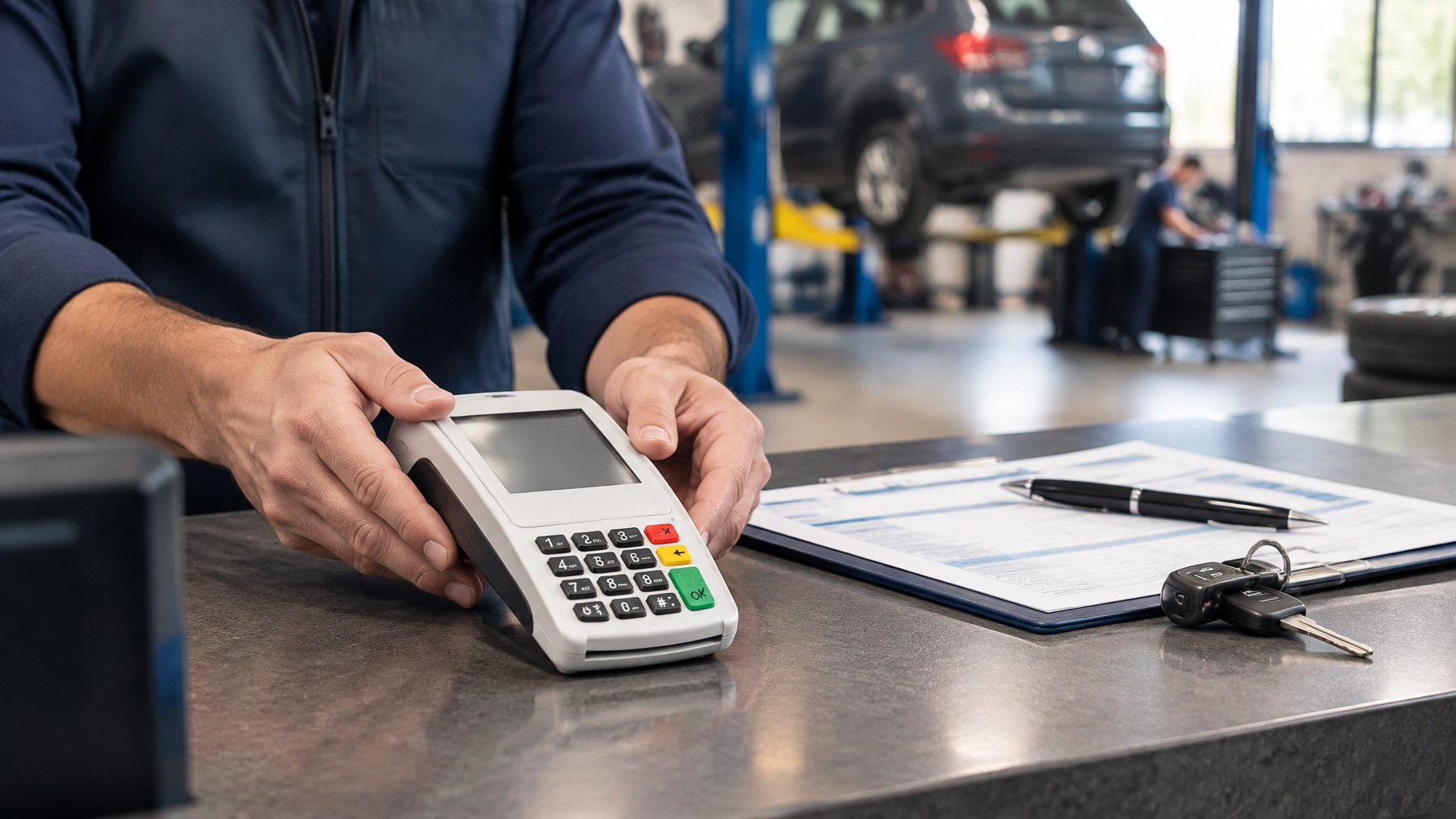
Is zero-fee credit card processing right for your shop?
The best choice depends on your customers, transaction mix, current agreement and how your team handles estimates and payments. If larger card tickets are cutting into your margins, review your statement and compare your options before accepting a new rate based on a sales pitch alone.
Explore how dual pricing works or see how it plays out on a restaurant floor. A clear review can help you decide whether dual pricing or traditional Interchange Plus Pricing better fits your shop, and give your service writers a straightforward way to explain the payment choices.